| Location: > Support > Opera, Mac X Site Map |
Opera v6.x - File Mapping Setup
This page was done using Opera v6.02.
In order to set up Opera v6.x to save PDF files, follow these instructions:
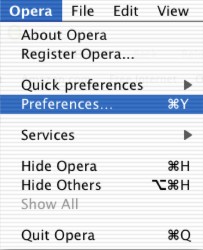
1. Click on Opera from the menu bar, then click on Preferences
2. On the left side of the window, choose Programs and Paths
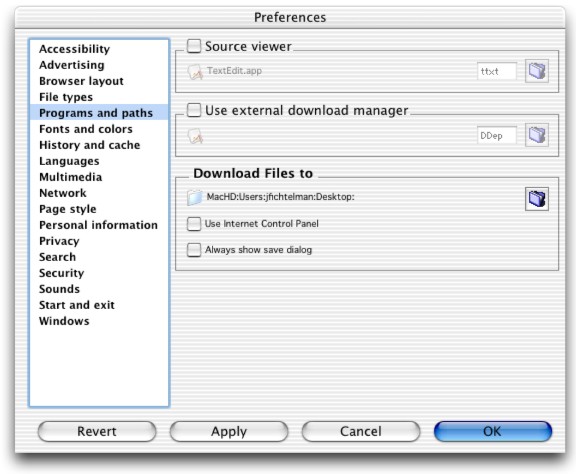
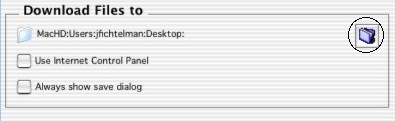
3. Double click the folder to the right in the Downloaded Files to area.
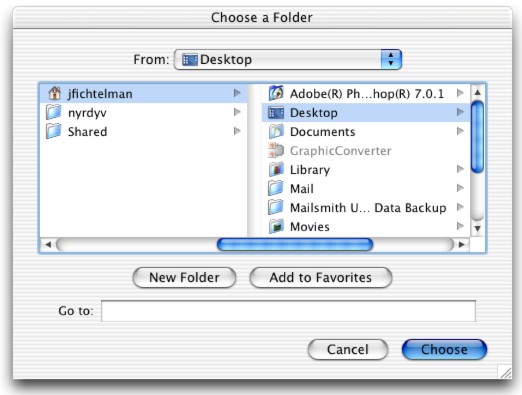
4. Choose Desktop Desktop from your user folder.